) in the My Favorites tab of the Organize page enables you to remove items from your Favorites tree.
The Remove from Favorites button () in the My Favorites tab of the Organize page enables you to remove items from your Favorites tree.
To remove items from your Favorites tree:
Click the check box for each item you want to delete.
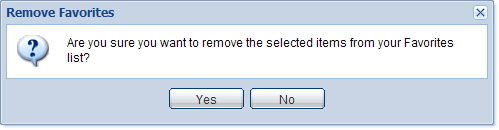
Click . A confirmation message is displayed. View an example?
Click Yes to remove the item. Click No to leave the item as is.

|
|
|
|
|
|
|
|
|